SolutionsMulti-feed walls
Many feeds on the wall, still inside the building
Operators should not install a special player to see a camera. Vasl pulls the feeds you already have, plays them in the browser, and writes the clips you flag to storage you run.
Publish
Encoders, cameras, browsers and mobile apps open the session.
Vasl
One server you run transcodes, records, authorizes and fans the stream out.
Play
Interactive viewers stay on WebRTC. Broader audiences take HLS from the same publish.
Workflows
Control-room work
The video wall
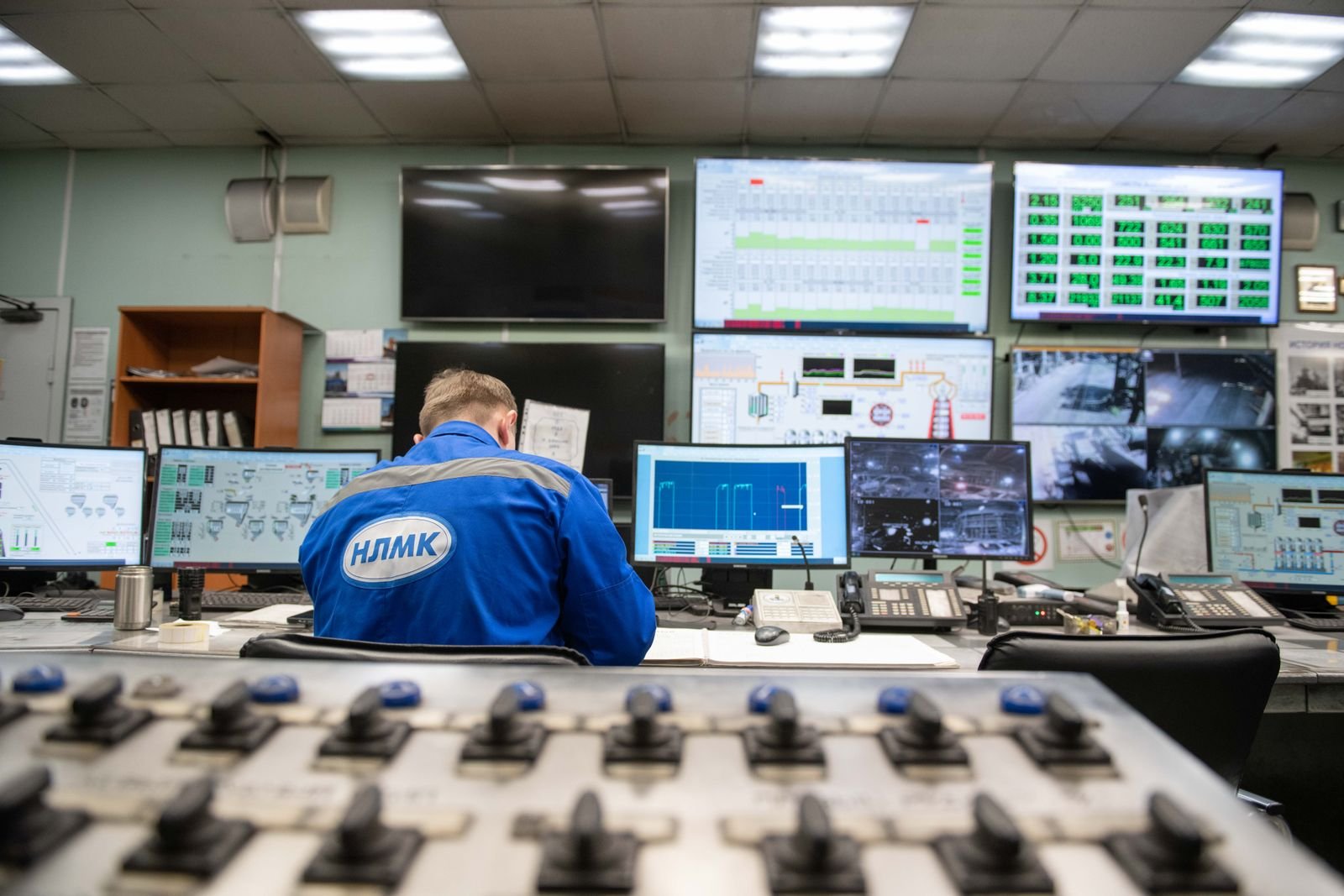
Dozens of RTSP sources in a browser layout your team builds. No legacy plugin on the operator PCs.
A remote site
SRT or RTSP across a link that is not perfect. The control room still sees the site.
Transit and utilities
Platforms, yards, and plants. The server can sit next to the cameras so frames do not have to cross the public internet.
Venues
Doors, bowls, and backstage on one console during an event, then a quiet archive after.
Clips for the incident log
Save the window that matters. Leave the rest.
Your console
Vasl is the media engine. The map, the alarms, and the shift log stay in the software you already operate.
On this workload
How Vasl is tuned here
Cameras the browser can open
Modern operator stations are browsers. Vasl turns the feeds you have into WebRTC for live looking and HLS for a wall or an archive player.
- RTSP pull or push
- WebRTC on the operator desk
- HLS for walls and later review
- Tokens so a feed is not a public URL
The building keeps the pictures
Start and stop feeds, rotate credentials, and attach a clip to an incident without sending the wall to a third-party cloud.
- REST control
- Webhooks for stream events
- Local recording
- Install beside the cameras
Why teams choose Vasl for Security & Surveillance
- Browser walls instead of special players
- Feeds that can stay on site
- Clips for the incident log
- One API for the console you build
Same server